

Plan your week with a layout that actually helps
Moleskine Pro Project Planner
A structured Moleskine planner for long-term projects, weekly planning, brainstorming, project tracking, and people who want planning plus note-taking in one book.
This Moleskine Pro Project Planner review looks at one of Moleskine’s more unusual planning notebooks. Instead of being a normal dated diary, it is an undated project planner with sections for inspiration, planning, and logging. It includes fold-out project timelines, weekly planning pages, brainstorming pages, project progress layouts, lists, and perforated pages.
The idea is interesting: a planner made for people who need to track projects rather than just appointments. The execution is classic Moleskine in some ways, but also a little confusing in others. If you like structured project notebooks, there is a lot to explore here. If you want a simple weekly planner, this may feel like more system than you need.
Quick verdict
The Moleskine Pro Project Planner is best for project-based work where you want timelines, weekly planning, notes, and progress tracking in one place. The fold-out planning pages are the standout feature, and the mix of weekly spreads plus brainstorming pages makes it more useful than a standard notebook. The main drawbacks are the learning curve, some layout choices that are not immediately obvious, and paper that is not especially fountain-pen friendly.
| Planner type | Undated project planner / project notebook |
|---|---|
| Best for | Long-term projects, weekly project planning, brainstorming, work logs, and project progress tracking. |
| Main sections | Inspiration, planning, and logging. |
| Key feature | Fold-out planning/timeline sheets plus weekly project planning pages. |
| Paper note | Good for everyday pens, but not ideal for wet fountain pens. |
| Main caution | Some layouts need experimentation before they feel intuitive. |
What makes it different
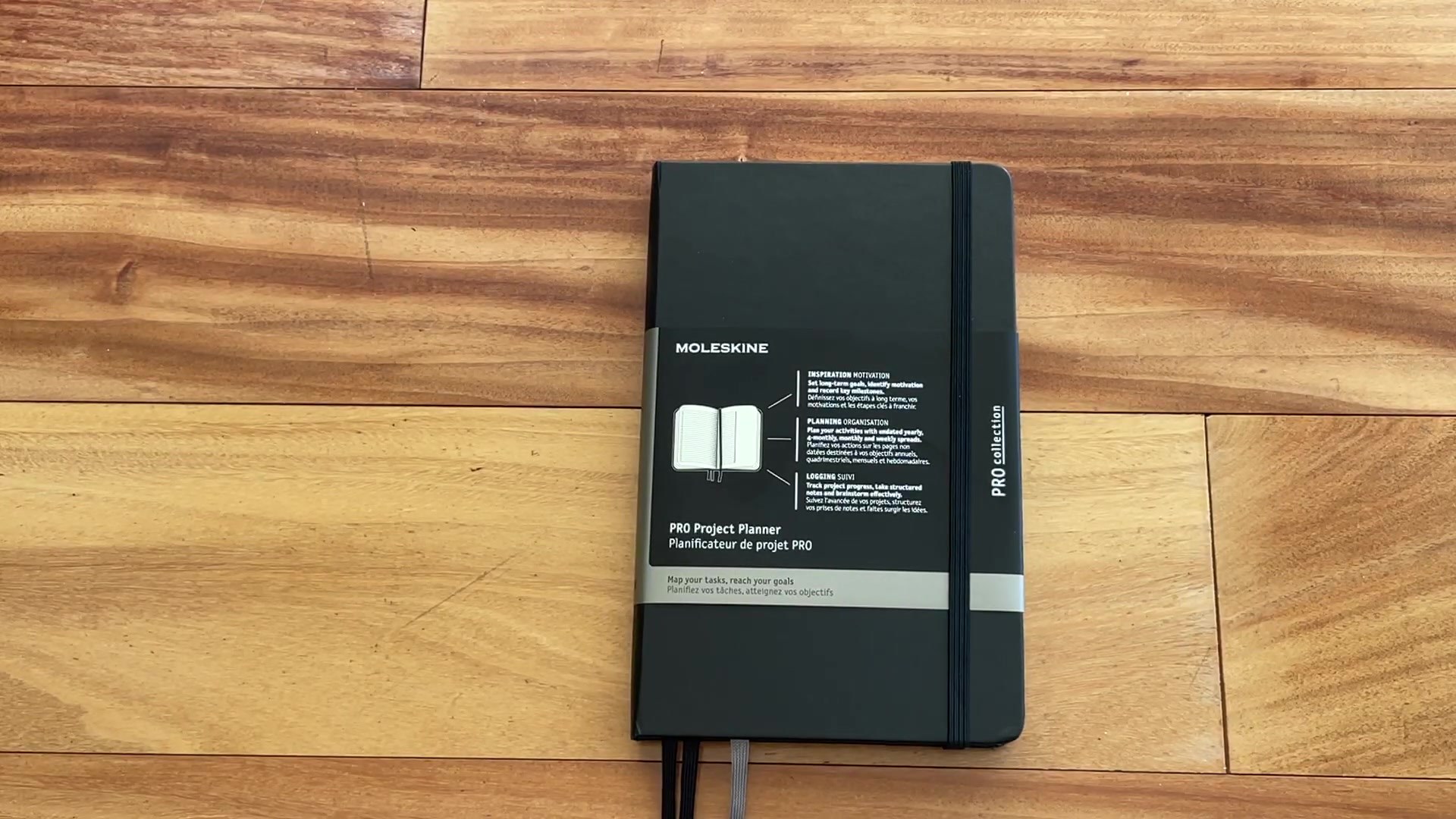
This is not a daily diary and it is not a blank dot-grid notebook. The Moleskine Pro Project Planner is built around project movement: planning what needs to happen, tracking tasks, collecting ideas, and logging progress. That makes it a better fit for work projects, creative launches, school work, client planning, or any multi-step project that needs more than a to-do list.
The reviewer points out that the planner comes in multiple sizes, including large, XL, and A4. The edition shown has a black hardcover, Moleskine elastic, ribbon markers, and a sleeve that explains the system. The sleeve helps, but the planner still feels like something you need to test for a week or two before the layouts fully click.
Planning structure and sections
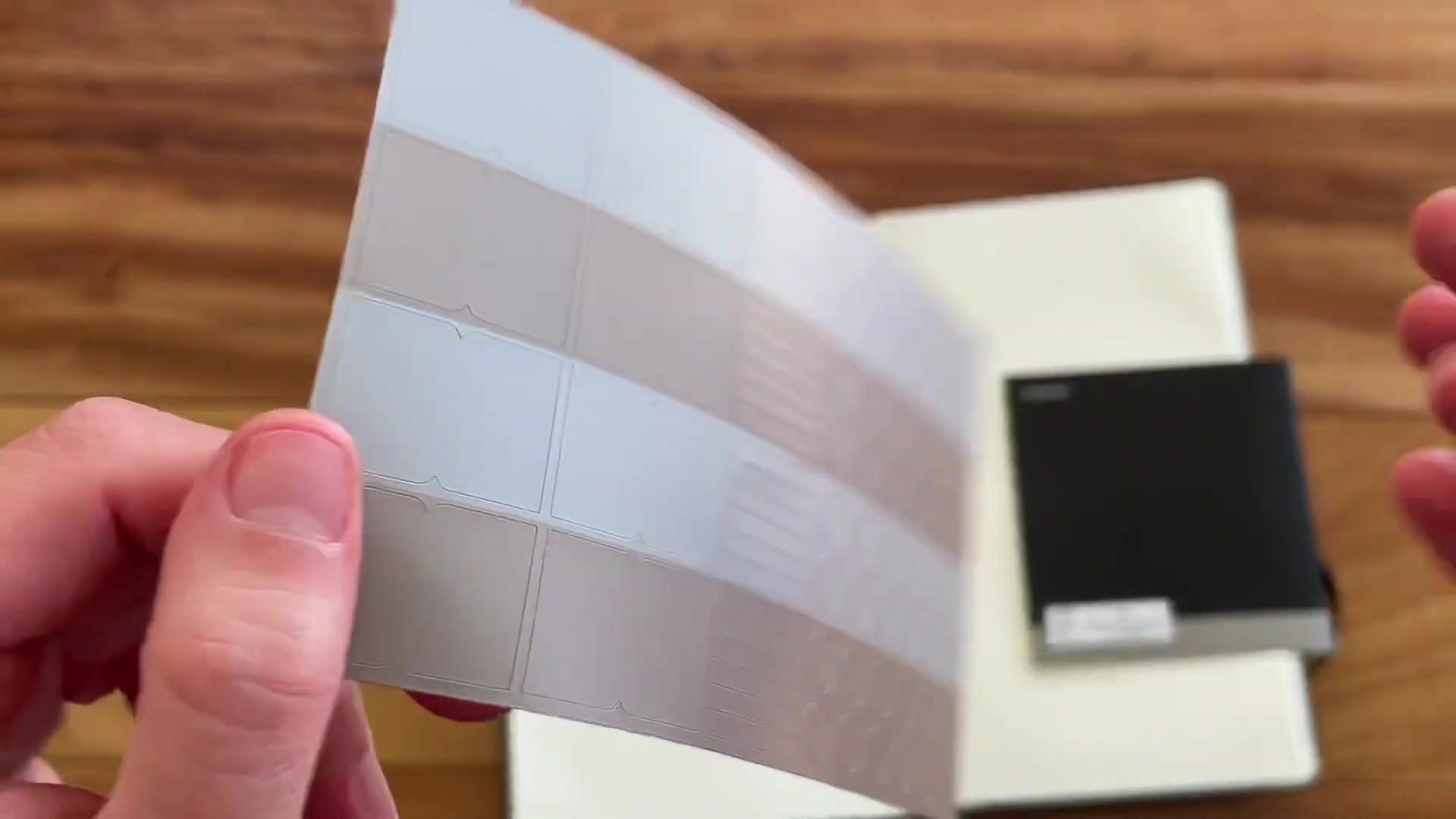
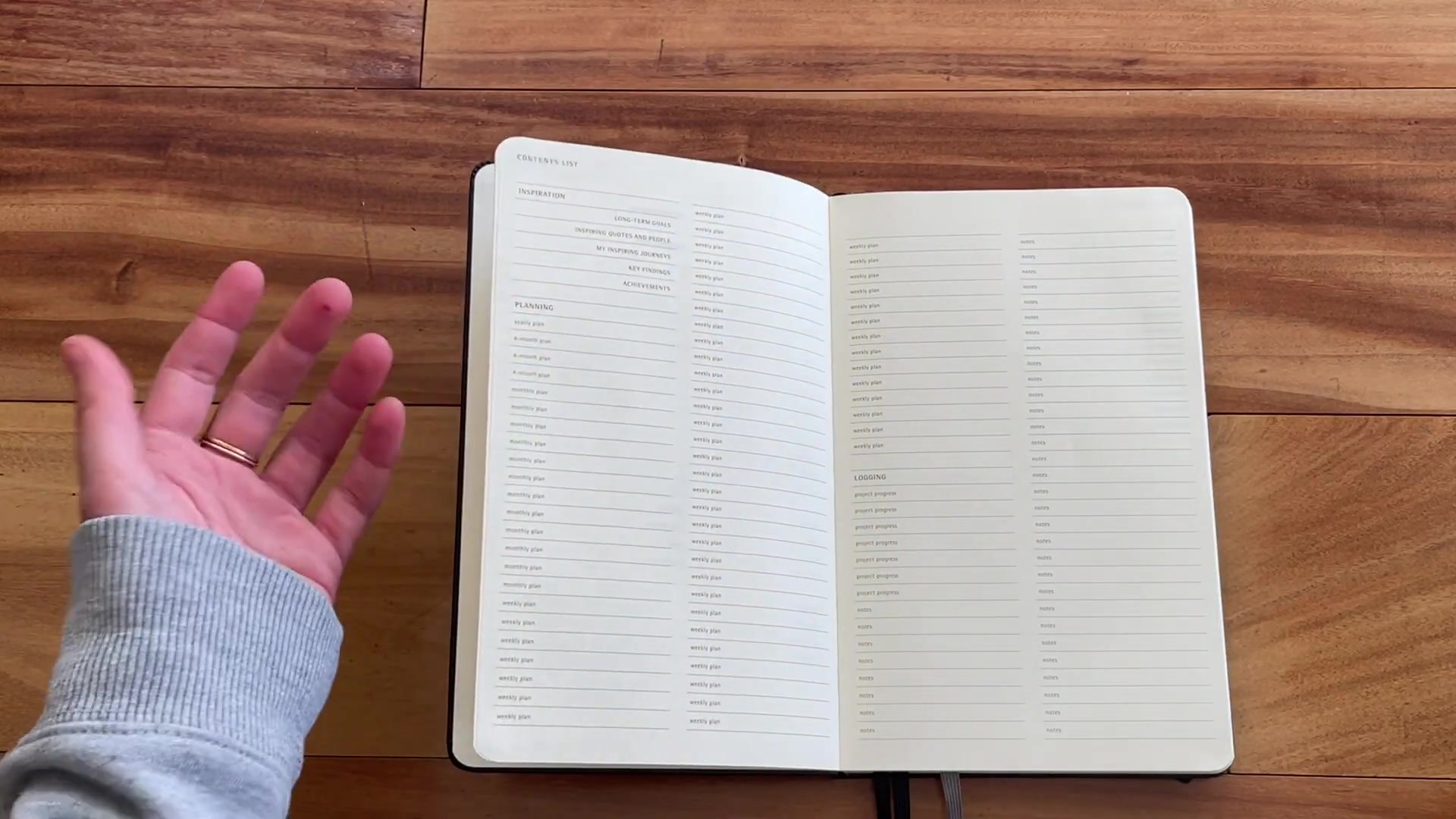
The planner is divided into sections for inspiration, planning, and logging. That is a sensible structure because projects usually need a place for ideas, a place for scheduled work, and a place for what actually happened. The contents page makes it easier to understand the book before you start writing in it.
Where it gets tricky is the fold-out planning system. Some pages look like they are meant for months, others for project phases or responsibilities. The reviewer wanted a clearer tutorial from Moleskine, and that is fair. The planner has useful layouts, but it does not hold your hand. If you enjoy adapting a system, that flexibility is positive. If you want obvious instructions, it may be frustrating.
Weekly planning pages
The weekly pages are easier to understand. You get an undated week-on-two-pages layout with weekday sections, check boxes, and open space for project notes. Because it is undated, you can start whenever you want and skip weeks without wasting pages. That is helpful for projects that do not run neatly from January to December.
The page ruling and spacing make this feel more like a work notebook than a decorative planner. It is not designed for stickers and washi tape. It is designed for lists, assignments, project milestones, and weekly focus. If you use a planner mostly to move projects forward, the layout makes sense.
Brainstorming and progress tracking
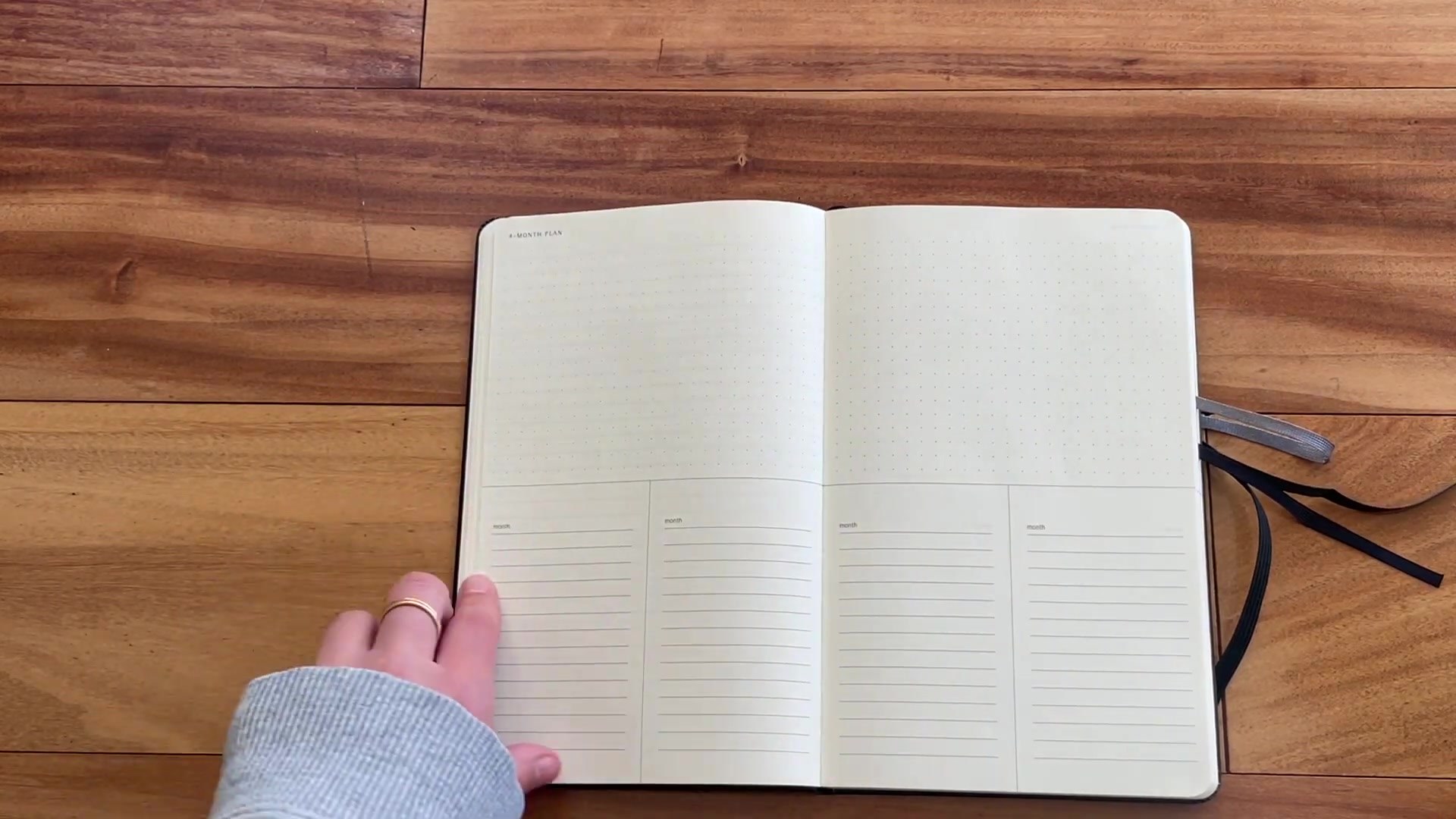
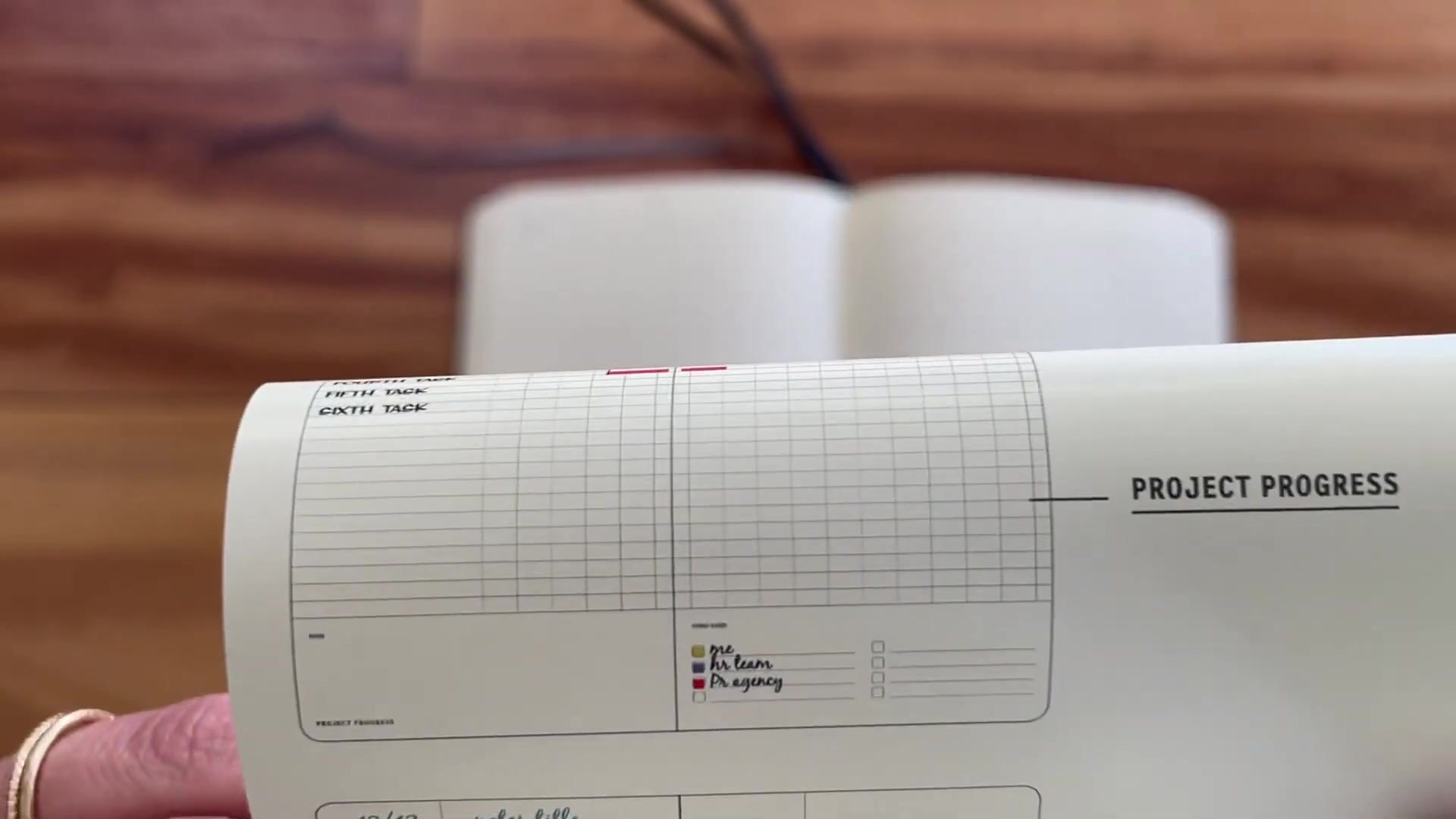
The planner also includes brainstorming pages and project progress pages. These are useful because project planning is rarely just dates. You need space to sketch an idea, collect loose notes, list resources, track progress, and work out what matters next. The dot-grid and structured layouts give you a mix of freedom and guidance.
One potential issue is that some pages may be too specific for solo users. The reviewer mentions color coding and assignment-style thinking, which can make sense for teams, but may feel less obvious if you are planning alone. Still, you can adapt those areas for priorities, project categories, content types, or phases.
Paper and pen performance
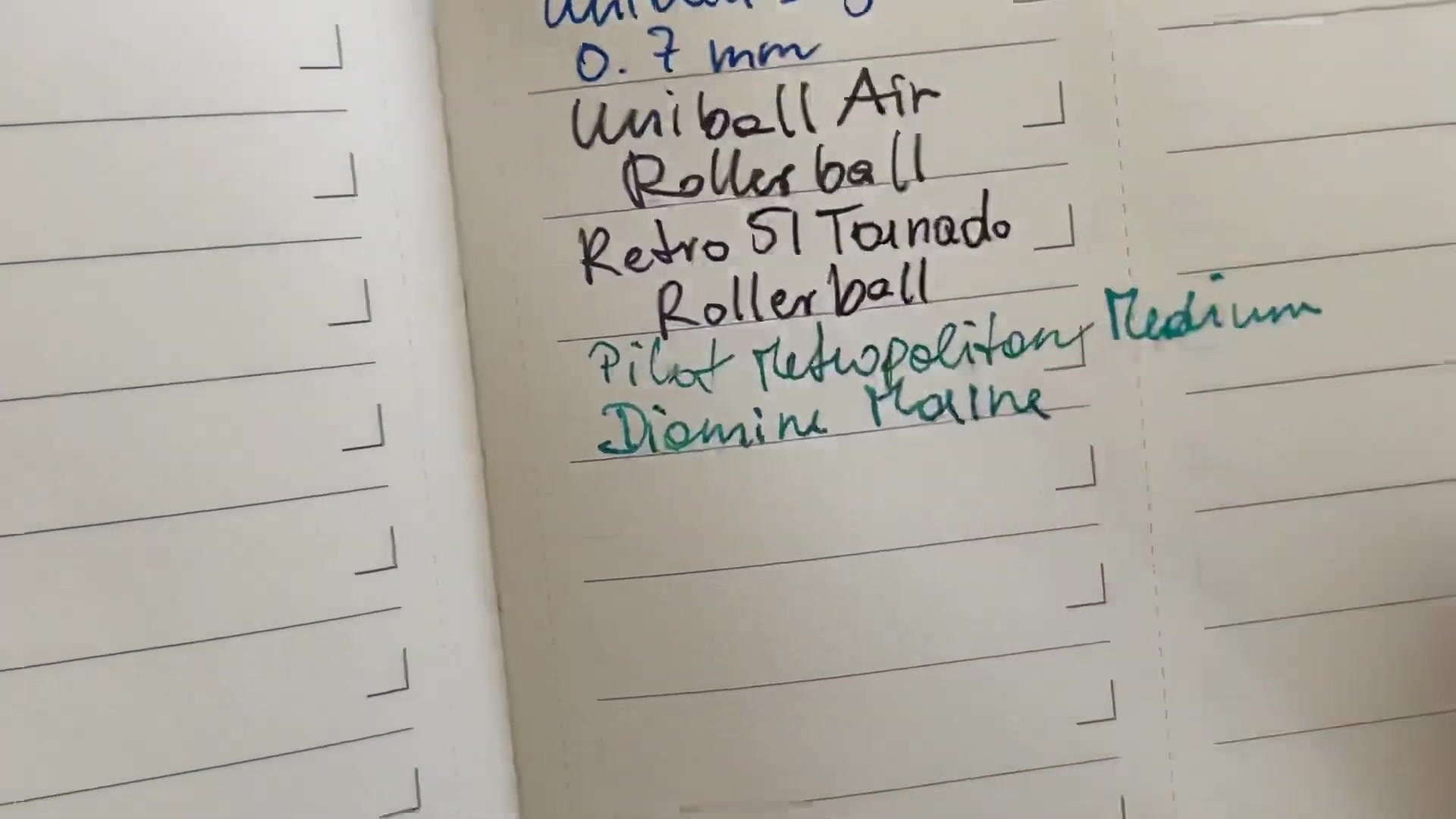
The pen test is the weakest part of the review. The paper works for everyday writing tools, but it is not a fountain-pen-friendly planner. The reviewer sees feathering with the fountain pen and significant ghosting or bleed-through with wetter pens. Pencil and ballpoint are safer, and fine gel pens should be okay if you do not mind some show-through.
This is an important point because project planners are often used heavily. If you write with fountain pens every day, this may not be the right paper for you. If you use ballpoint, pencil, or dry fine liners, the paper is probably workable, and the structure becomes the more important feature.
Who should use it?
This planner is best for people who like paper project management but do not want to build every layout from scratch. It suits content planning, study projects, small business work, launch planning, client work, and creative projects with several moving pieces. The fold-out timelines and weekly pages give you a place to zoom out and then zoom back into the week.
It is less ideal if you only need appointments, if you want a fully dated planner, or if you dislike experimenting with layouts. It is also not the best pick for heavy fountain-pen users. But for project-focused paper planning, it is one of the more interesting Moleskine formats.
Pros and cons
| Pros | Cons |
|---|---|
|
|
FAQ
Is the Moleskine Pro Project Planner dated?
No. It is undated, which means you can start whenever you want and skip unused weeks without wasting dated pages.
What is the planner best for?
It is best for long-term projects, weekly project tracking, brainstorming, work planning, and people who want project notes and project schedules in one book.
Is it good for fountain pens?
Not really. The review shows feathering, ghosting, and some bleed-through with wetter pens. Ballpoint, pencil, and fine gel pens are safer choices.
Is it better than a normal weekly planner?
It is better if your planning revolves around projects. A normal weekly planner is simpler if you mainly need appointments and ordinary weekly tasks.
Final Thoughts
The Moleskine Pro Project Planner is not a planner for everyone, but it does something interesting. It tries to combine project timelines, weekly planning, brainstorming, and progress tracking in one paper system. That makes it more specialized than a standard diary and more structured than a blank notebook.
I would choose it if I wanted a professional-looking project notebook and was willing to adapt the layouts to my own workflow. I would skip it if I wanted thick paper, obvious instructions, or a simple appointment planner. For project-based work, though, it is a thoughtful and useful Moleskine option.
Plan your week with a layout that actually helps
Moleskine Pro Project Planner
A structured project planner can be a strong fit if your paper system needs timelines, weekly project pages, brainstorming space, and progress tracking in one notebook.